WriteRight
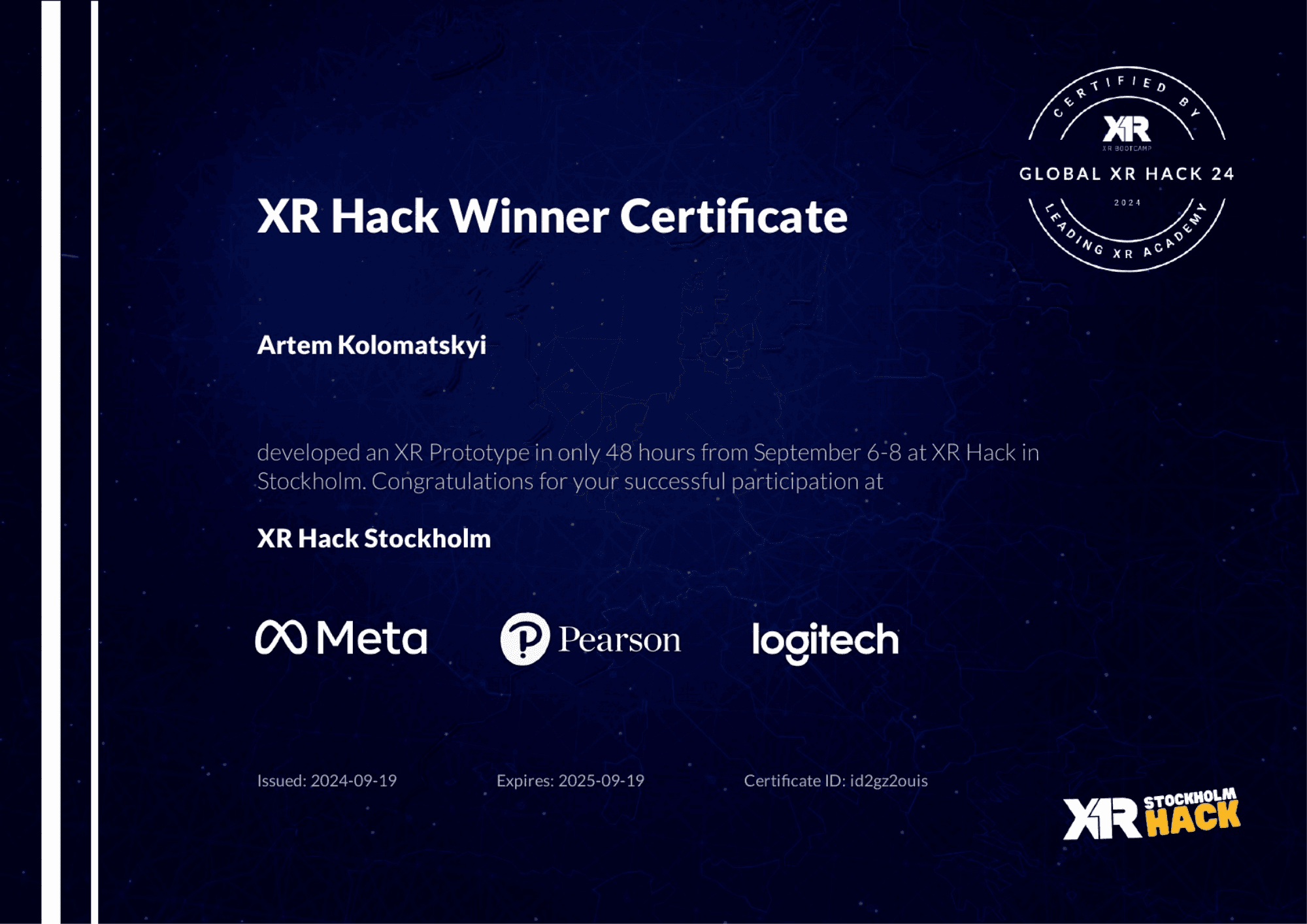
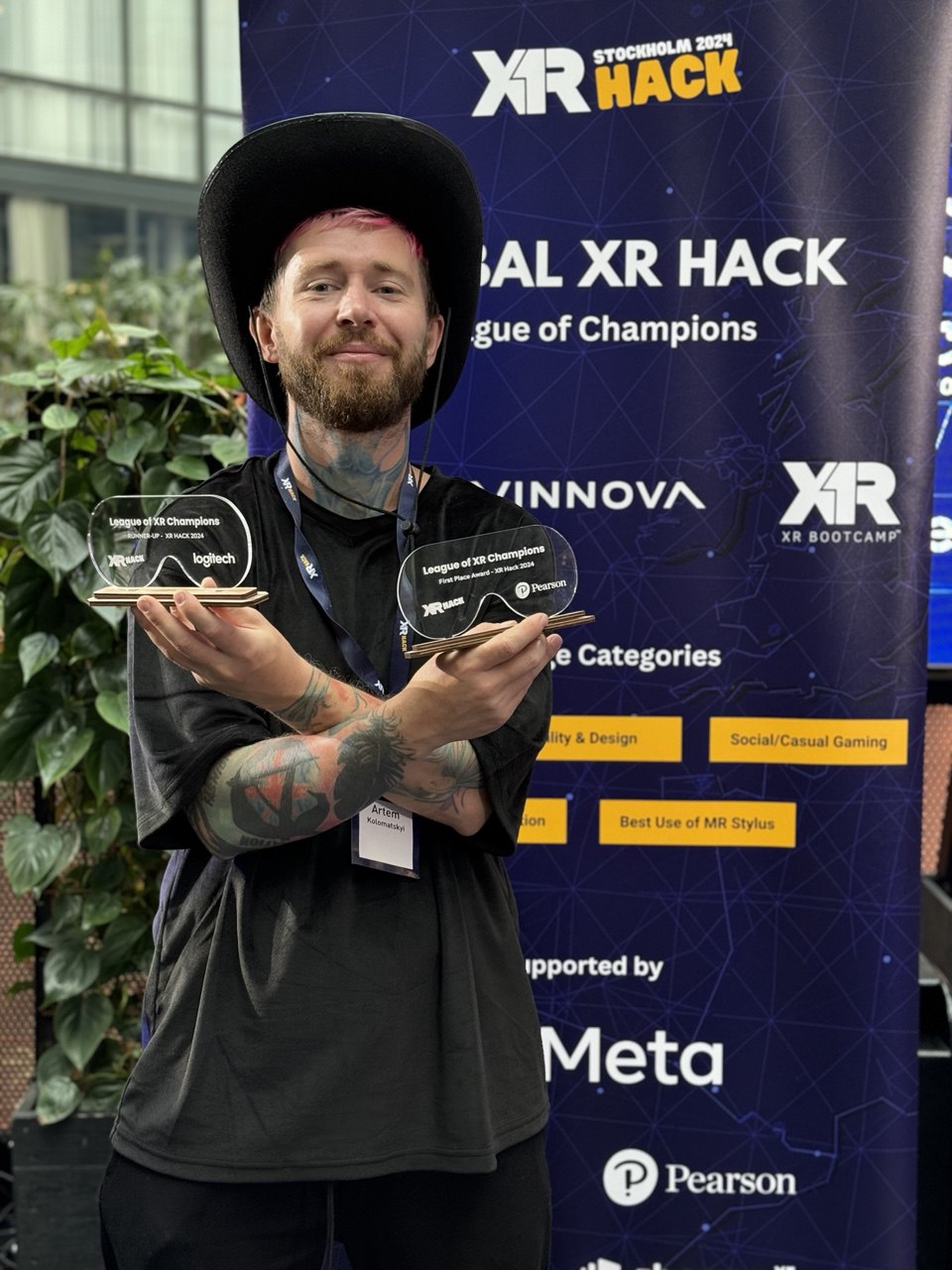
WriteRight is a Mixed Reality learning experience that teaches handwriting, motor skills, and calligraphy through guided tracing and stylus-based practice on a real table surface. Built with the Logitech MX Ink Stylus, it helps children learn to write in a playful, stress-free way — and supports rehabilitation and fine-motor skill training for all ages.🥇 1st Place — Experimental Education 🥈 2nd Place — Logitech MX Ink Stylus Use Case at XR Hack Stockholm 2024
Role
XR Designer · UX/UI Designer · Concept Lead
Industry
Mixed Reality · Education · Rehabilitation
Duration
24 hours — Hackathon Prototype
Concept & Research
WriteRite began with a clear idea: handwriting should not be frustrating; it should be playful, intuitive, and physically grounded.
For children learning to write, for people rebuilding motor control, and for anyone practicing calligraphy, the biggest obstacles are discouragement and fear of “doing something wrong.”
The MX Ink Stylus offered a unique opportunity:
Real surface writing
Tilt and pressure detection
Vibration feedback
High-precision tracing
As the Product Designer and concept lead, I envisioned WriteRight as a universe where handwriting becomes a story.
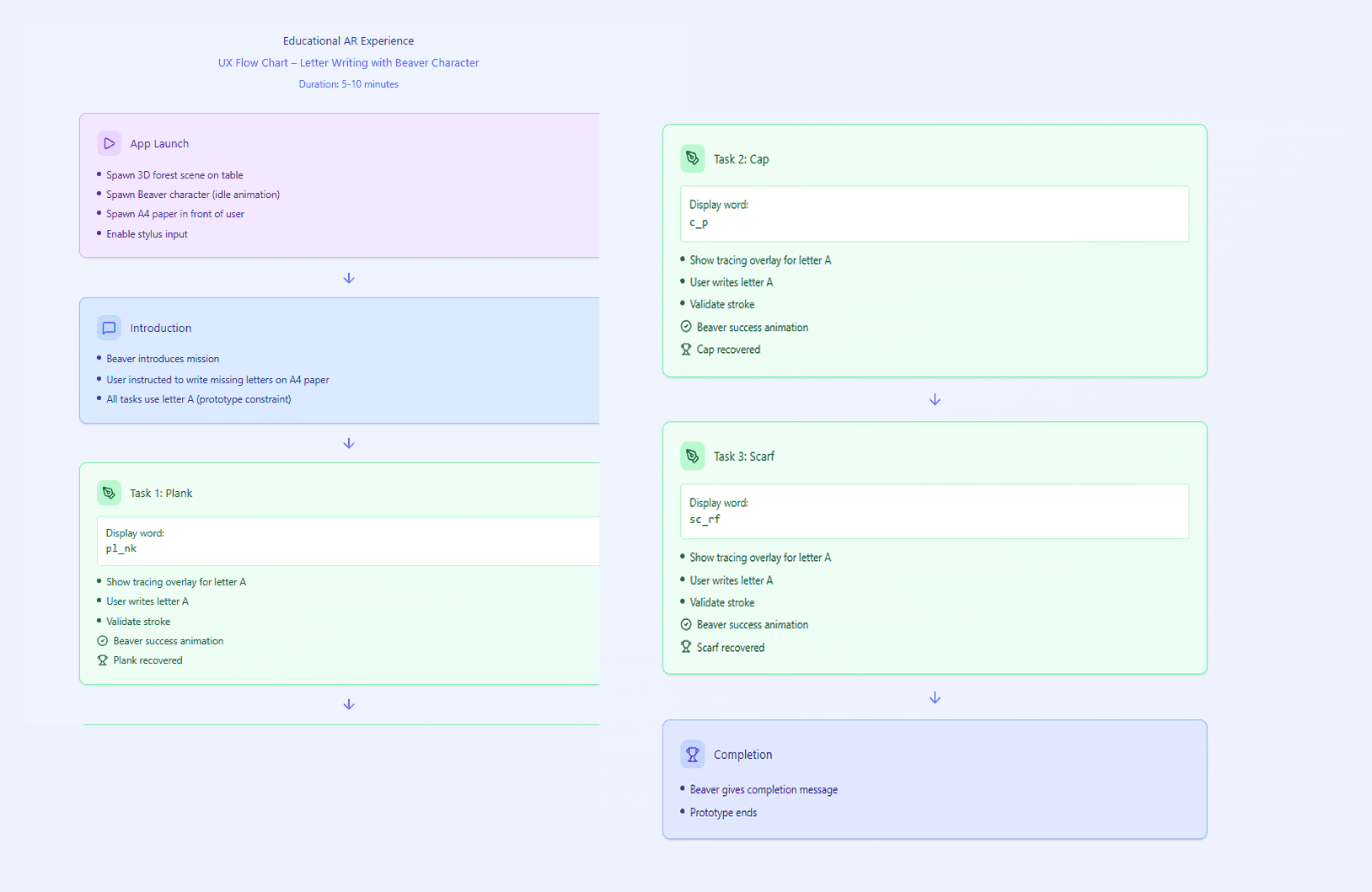
A small animated character introduces a playful mystery: several items from their world disappeared — and the only way to help is to write missing letters and complete words.
Design Strategy
I created the entire experience architecture, from character narrative to UX flow and UI identity.
The learning journey unfolds in three layers:
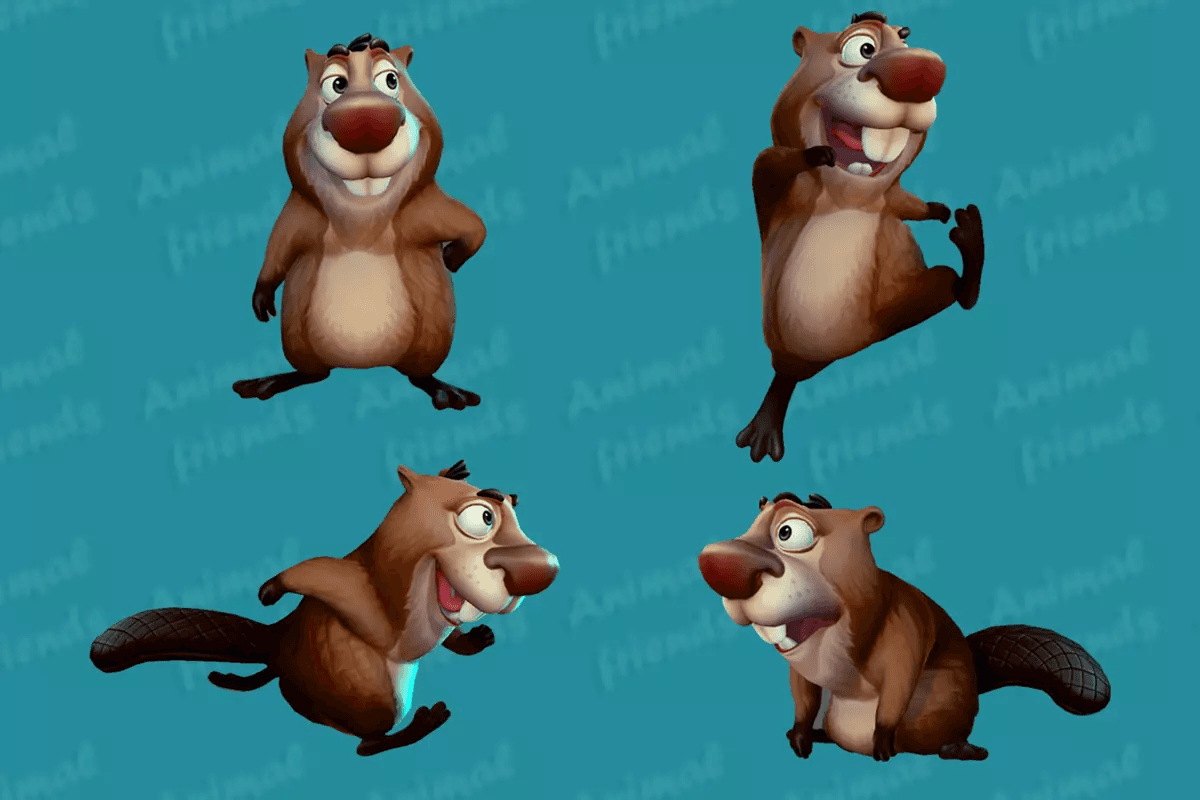
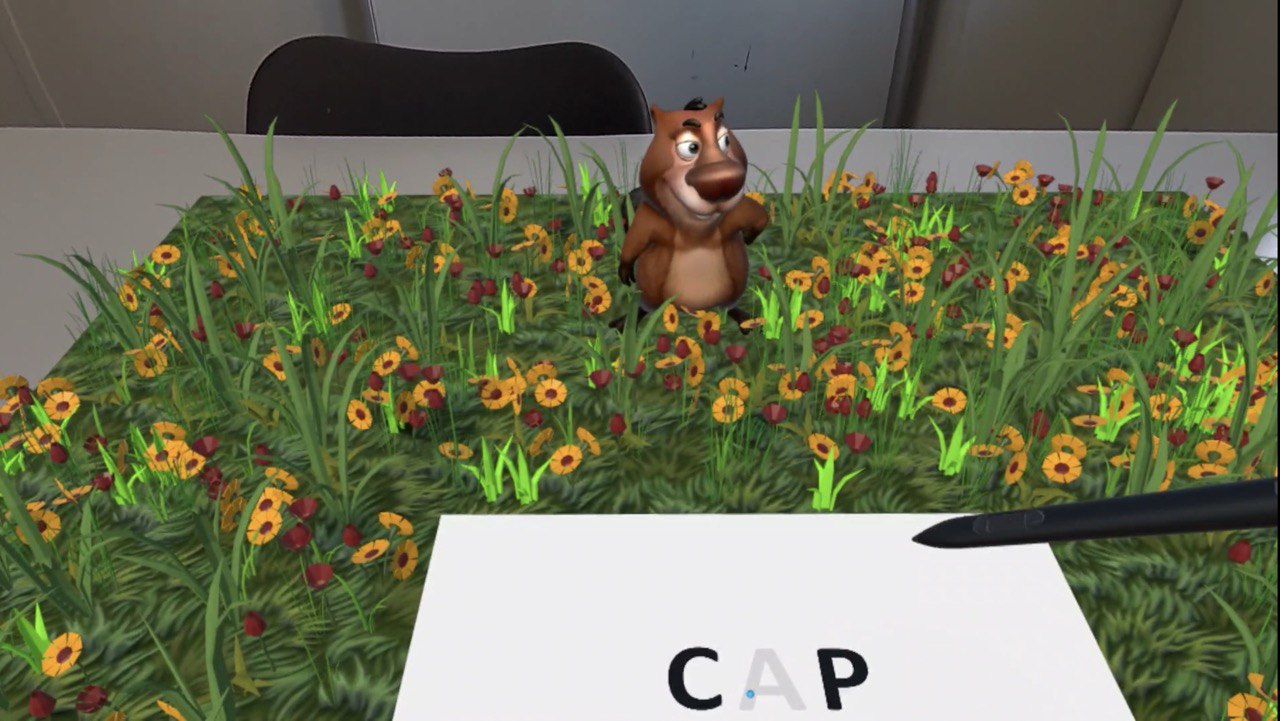
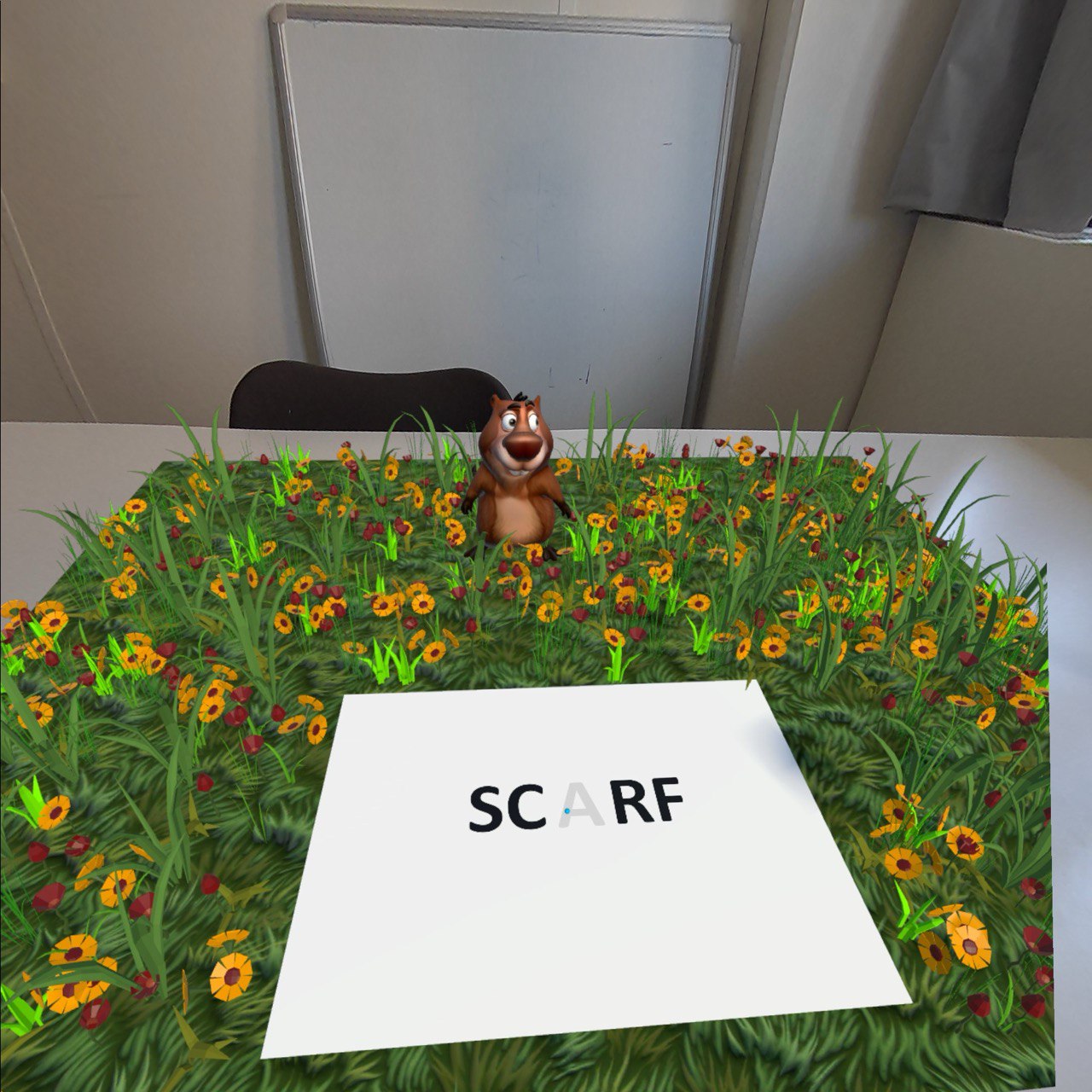
Story: A friendly beaver character talks to the user, explains his world, and invites them to help retrieve missing objects.
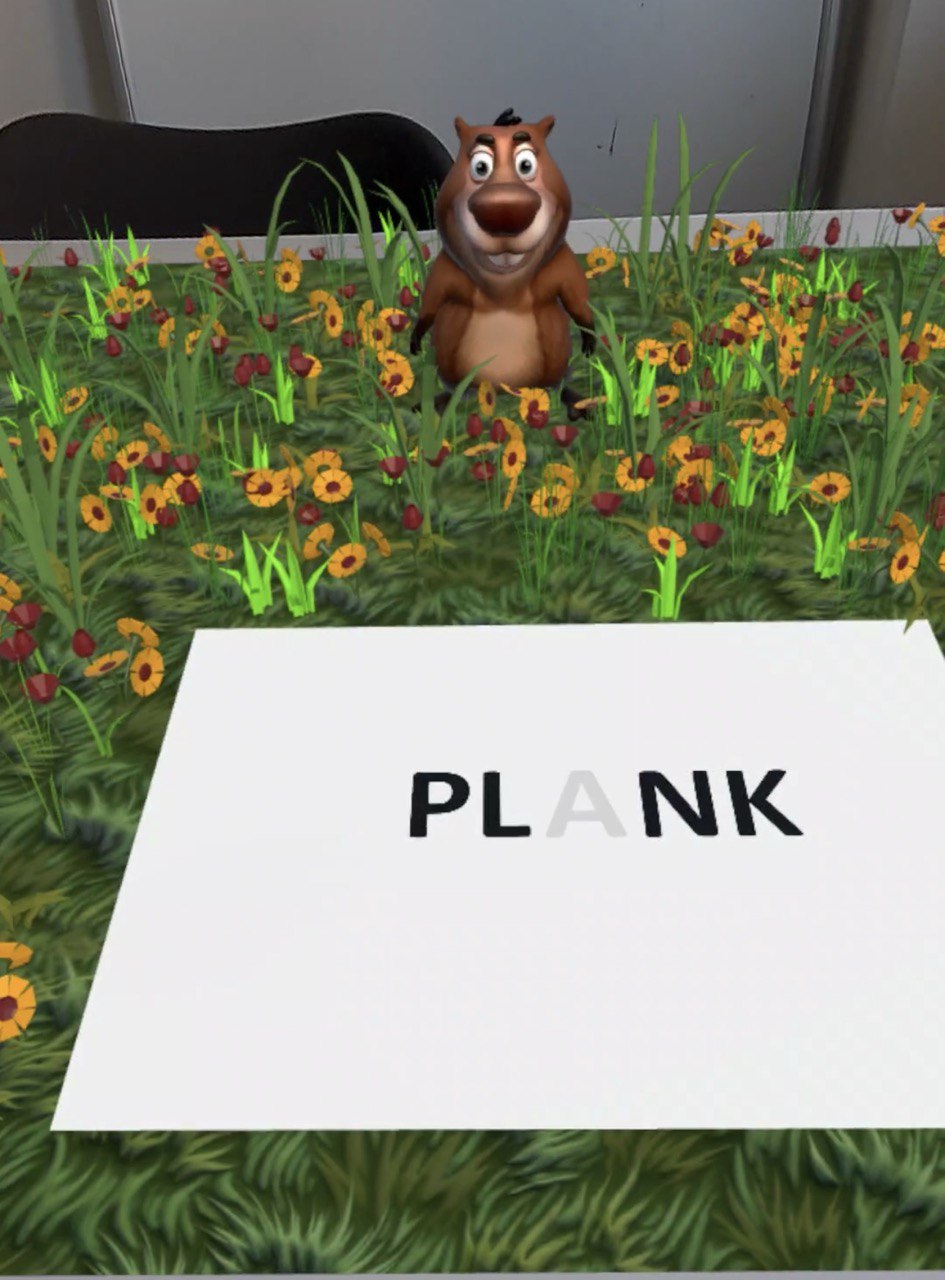
Practice: Words appear on a virtual A4 sheet placed on the real table, with missing letters the user must trace.
Progress: After correctly writing the letter, the word completes itself, and the character advances in the story.
This structure allows a natural loop of: listen → observe → practice → succeed → continue the story.
I designed all the tracing lines, path animations, character pacing, and reward micro-interactions.
To ensure the environment felt grounded, WriteRite used Meta’s Scene Understanding to automatically detect the nearest table and spawn the A4 sheet in perfect alignment. This made every user’s first moment effortless and magical.
Prototype Development
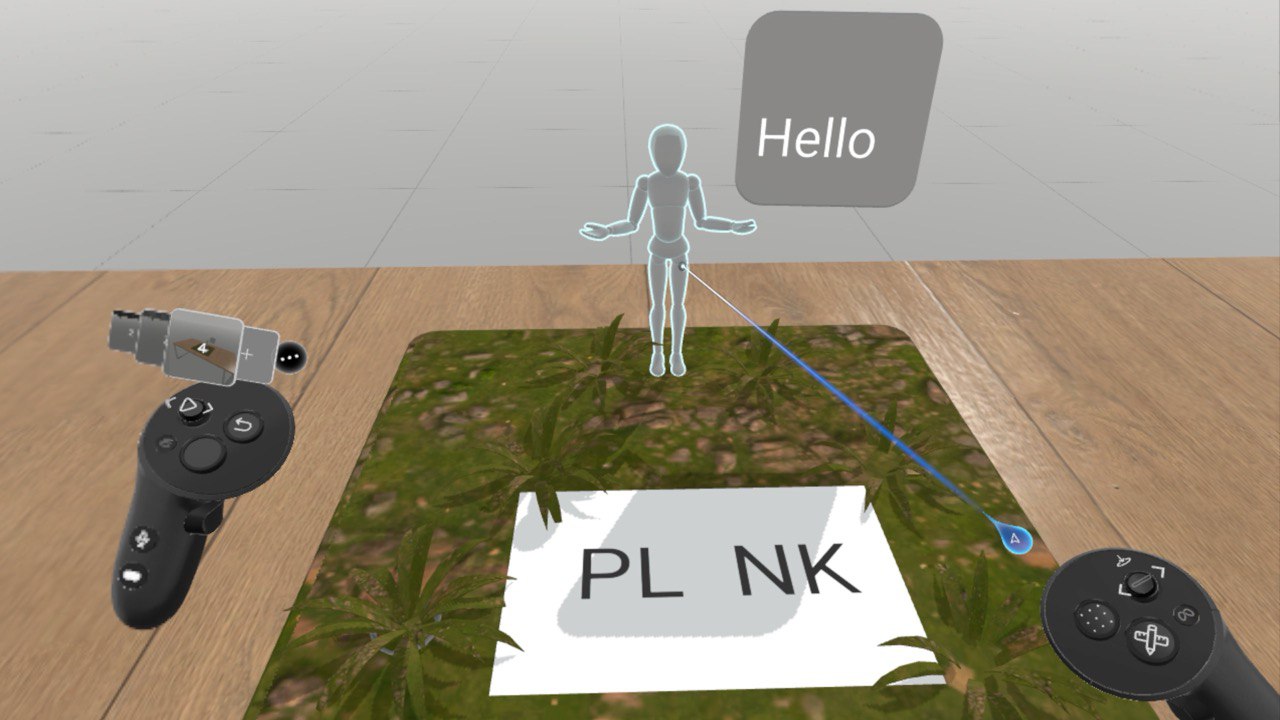
We built the entire prototype in 24 hours. I handled all design, UX, Scene Prototype in Shapes XR and 3Dassets. I worked with a developer who implemented it in Unity.
Tools I used:
• Figma
• ShapesXR
• Blender
• Unity Asset Store
• Unity MX Ink Stylus SDK
The interactive table scene included:
• A physical A4 sheet mapped to the real table
• Six different words, each with animated tracing guides
• Real-time tilt and pressure feedback
• Soft vibration cues when the stylus touched the surface
• Story-driven character animations
• Written-word validation logic (“good enough to continue”)
The tracing system was designed for children:
• gentle correction paths
• automatic reset if the user drew in the wrong place
• expressive animations when a letter was written correctly
• small celebratory voice lines from the character
All writing happened on a real table — grounding the user’s body and making the stylus feel like an actual pen.
Testing & Iteration
Because handwriting relies on precision, we tested continuously while building:
• stylus calibration
• tracing responsiveness
• A4 sheet alignment
• pressure thresholds
• motion feedback timing
• edge-case strokes (diagonals, loops, curls)
The biggest challenge was ensuring that WriteRite understood intention, not perfect execution. Children make imperfect lines. Rehabilitation patients have shaky strokes.
I designed the accuracy system to detect “acceptable correctness,” focusing on path-following instead of pixel-perfection.
We also refined the story pacing so learners didn’t feel rushed. The beaver character celebrated progress frequently, reassuring users that mistakes were natural and expected. This balance made WriteRite feel empowering instead of intimidating.
Showcase & Results
At XRHack Stockholm 2024, WriteRite became one of the standout experiences.
Participants immediately understood how to interact with the stylus, and they enjoyed writing letters more than expected — because the process felt like a game, not schoolwork.
Judges highlighted:
• the emotional clarity of the character-driven experience
• the excellent use of MX Ink Stylus (pressure, tilt, vibration)
• the intuitive table-based MR layout
• the gamification of motor-skill training
• the value for education and rehabilitation
Logitech representatives loved seeing their stylus used for real handwriting training.
The prototype lasted about 10 minutes and included the full cycle of storytelling, tracing, correction, rewards, and progress.
It won:
• 1st Place in Experimental Education
• 2nd Place in Stylus Use Case
Outcomes
• A fully functional MR handwriting simulation built in 24 hours
• Six complete words with animated tracing guides
• Story-driven character interaction
• Real table integration using Scene Understanding
• Highly positive jury and user feedback
• Proof that MR handwriting can be meaningful, fun, and therapeutic
Future Vision
WriteRite has enormous potential as both an educational and therapeutic tool.
Future development could include:
• full MR handwriting curriculum
• progress tracking and difficulty levels
• stories with multiple worlds and characters
• connective exercises for calligraphy, alphabets, and languages
• rehabilitation modules for fine motor recovery
• an MR handwriting textbook with hundreds of practice pages
WriteRite can evolve into a complete handwriting universe — where learning becomes immersive, embodied, and joyful.
Other projects
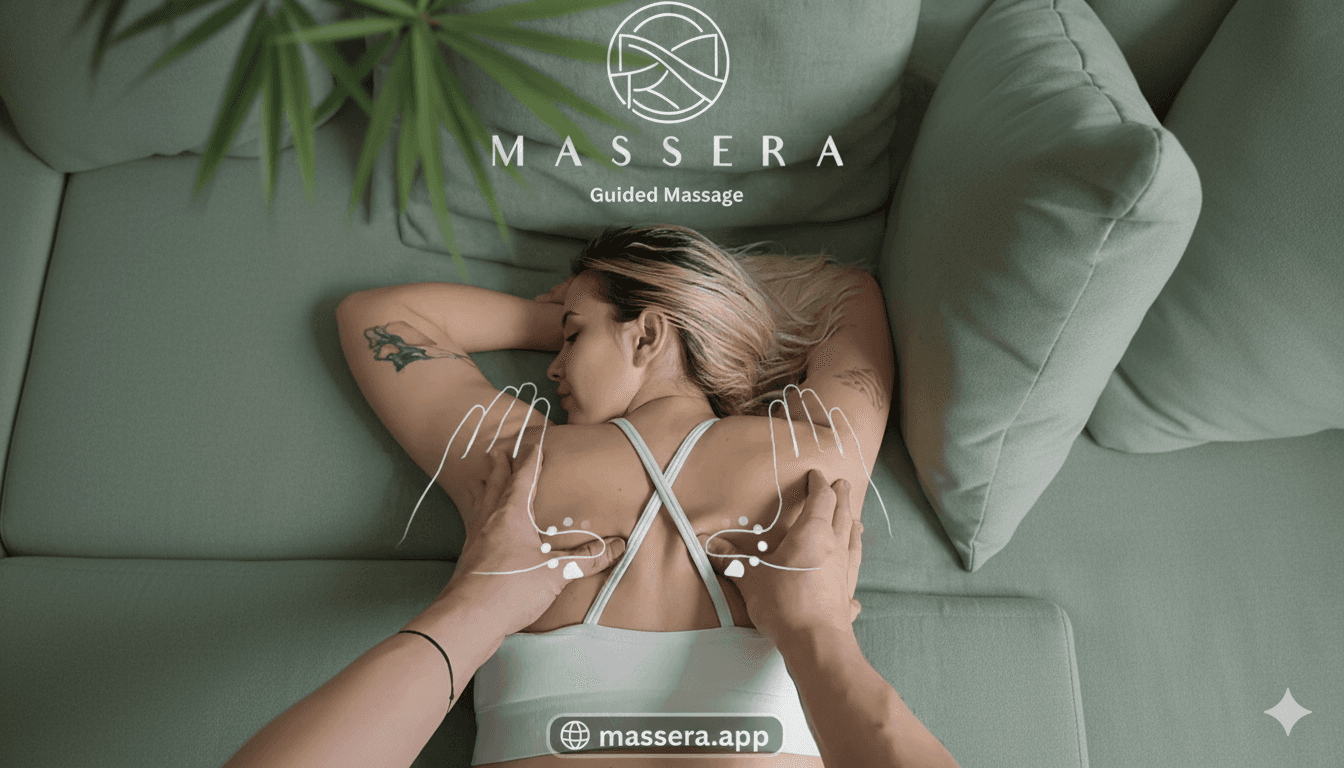
Massera - Guided Massage
Massera is a Mixed Reality (MR) app for Meta Quest 3 / 3S that teaches massage through guided touch and spatial mapping, inspired by professional techniques.
SolderSense
SolderSense is a Mixed Reality training experience for Meta Quest 3 that teaches safe, realistic soldering using the Logitech MX Ink Stylus as a fully simulated MR soldering iron. The prototype won🥈 2nd Place — Meta XR Hackathon Berlin 2025, Education Track
Folio
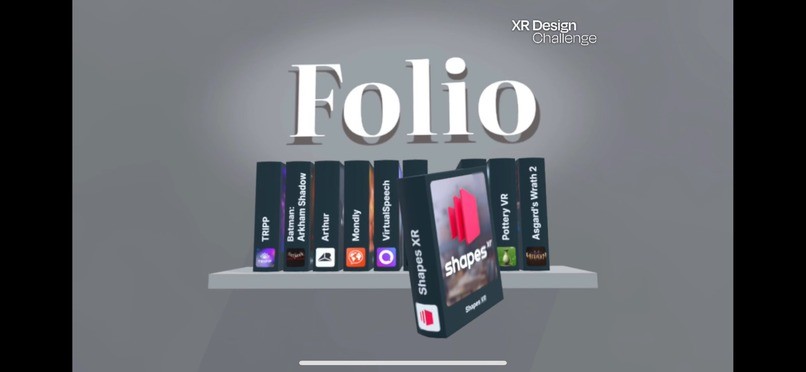
FOLIO is a spatial reimagination of the App Library — an interactive 3D bookshelf where each application becomes a dynamic, animated book you can pick up, rotate, browse, and open naturally. Designed for the XR Design Competition 2024, FOLIO explores how spatial computing can finally move beyond flat 2D grids and create a more human, intuitive relationship between users and their applications.
MoodSee
MoodSee is a real-time emotional awareness assistant for Meta Quest 3, using Access Camera, AI emotion recognition, and contextual cues to help users — especially neurodivergent kids — better understand facial expressions, emotional transitions, and maintain eye contact during live conversations.
Mix Drink Master
MixDrink Master is a Mixed Reality app for Meta Quest 3 / 3S that helps anyone craft professional cocktails on their first try.🥇 1st Place — Meta XR Hackathon Cologne 2024, Hobby & Skill Building Track