SolderSense
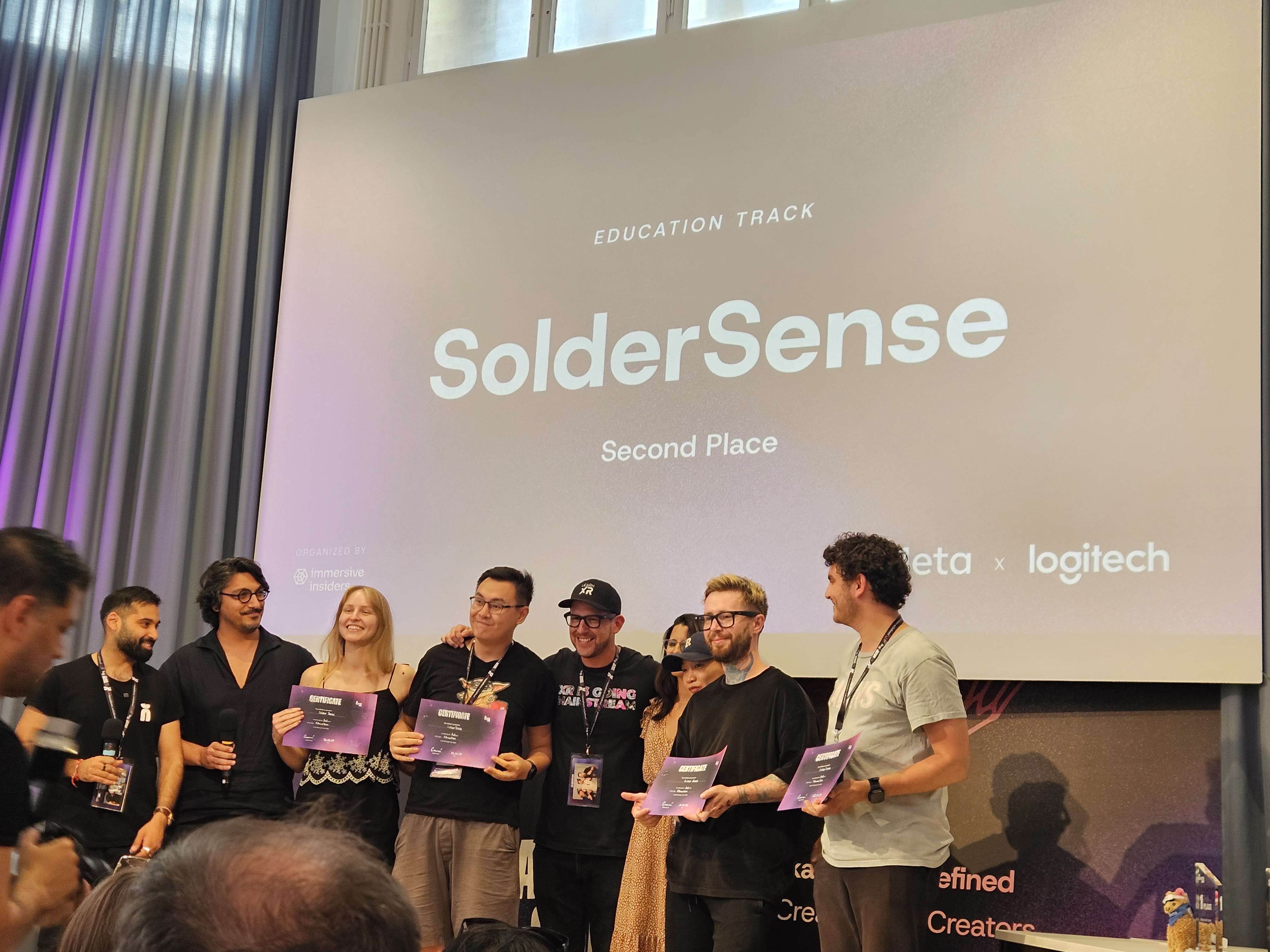
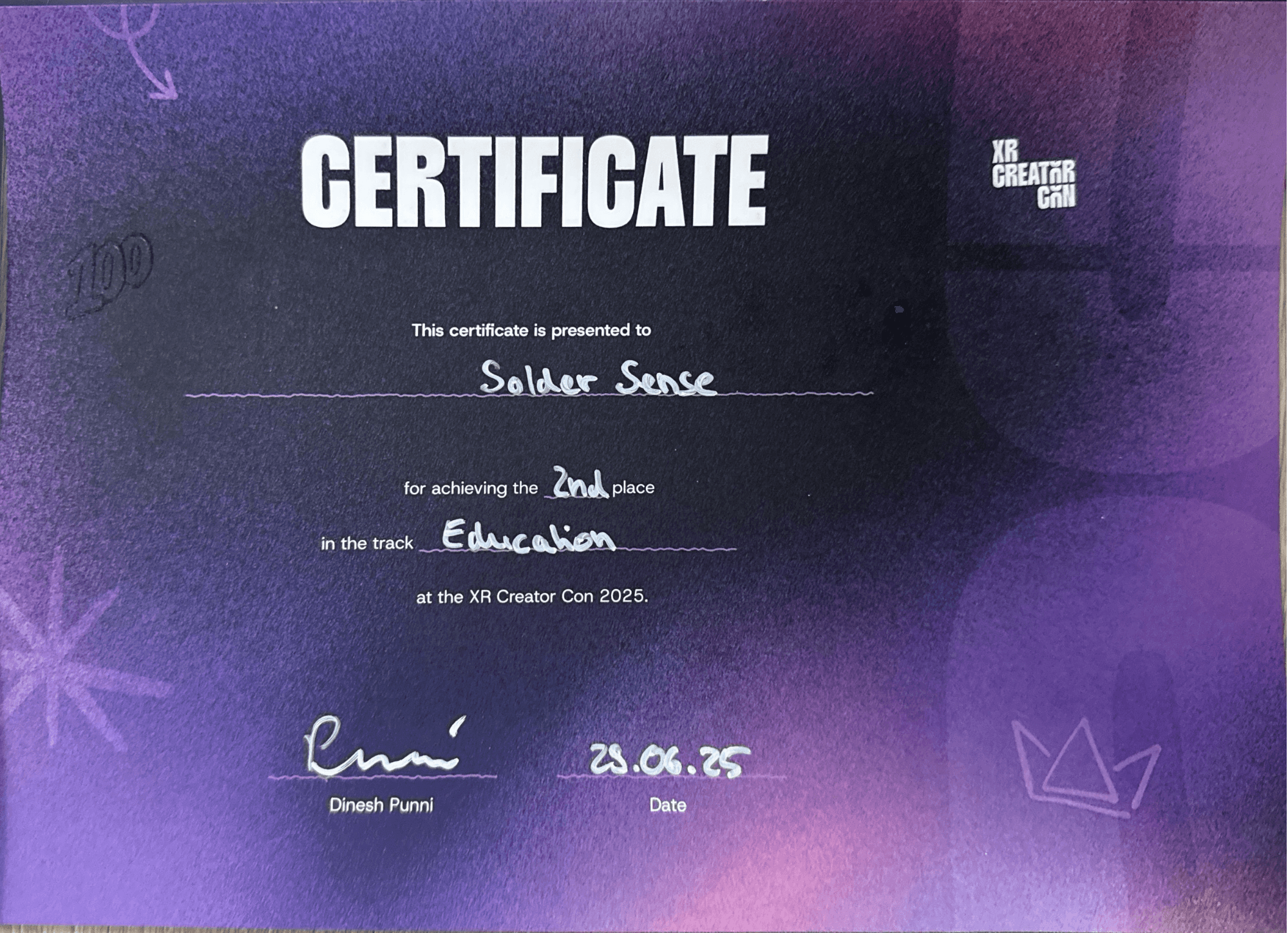
SolderSense is a Mixed Reality training experience for Meta Quest 3 that teaches safe, realistic soldering using the Logitech MX Ink Stylus as a fully simulated MR soldering iron. The prototype won🥈 2nd Place — Meta XR Hackathon Berlin 2025, Education Track
Role
Creative Director · XR Interaction Designer · UX Designer
Industry
Mixed Reality · Education · Technical Training
Duration
36 hours — Hackathon Prototype
Concept & Research
The idea for SolderSense was born the moment I held the Logitech MX Ink Stylus.
It didn’t behave like a pen. It felt heavier, firmer, more tool-like. Its pressure sensitivity, haptics, and precision reminded me instantly of a real soldering iron. That was the spark:
What if this stylus is not a writing tool, but a soldering tool?

What if XR could safely teach technical skills that are normally dangerous, expensive, and difficult to practice?

My childhood experience in soldering resurfaced: the heat, the smoke, the precision, the safety concerns. This combination created a perfect challenge for a hackathon:
• realism
• skill training
• tactile precision
• spatial feedback
• and an opportunity to show a truly new VR use case
My mission became clear:
Build a MR training prototype that teaches beginners how to safely and correctly solder an LED strip — with no risk and no equipment.
Design Strategy
As the lead product and UX designer, I defined the core concept, wrote the learning flow, and built the educational storyline that guides the user step by step. This included designing the entire learning sequence, including:
What the user sees first
How the mentor speaks
What the stylus does
Where the objects spawn
How the steps unfold
How mistakes are handled
How feedback is delivered
The educational flow was structured as a small “hero journey”:
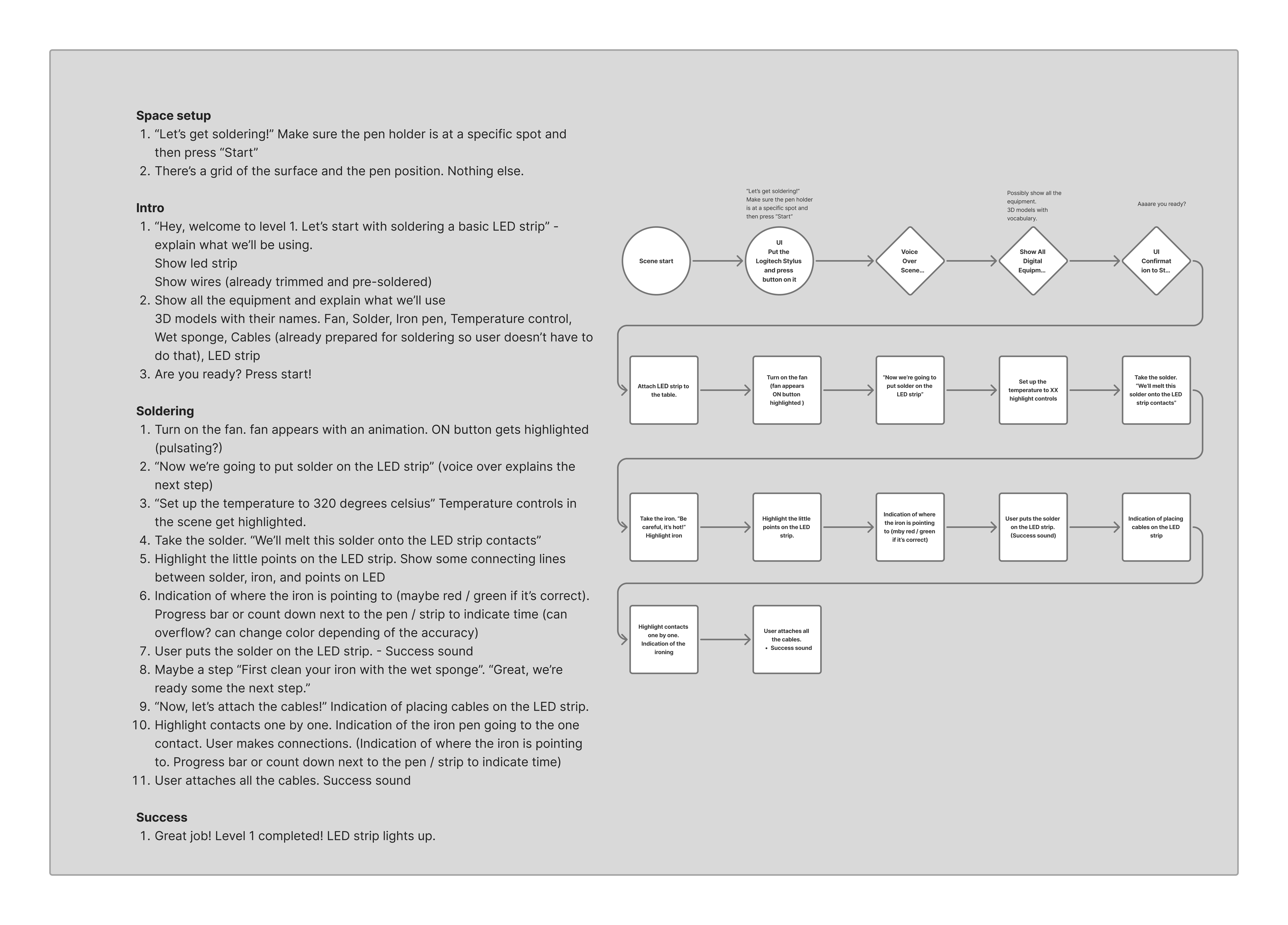
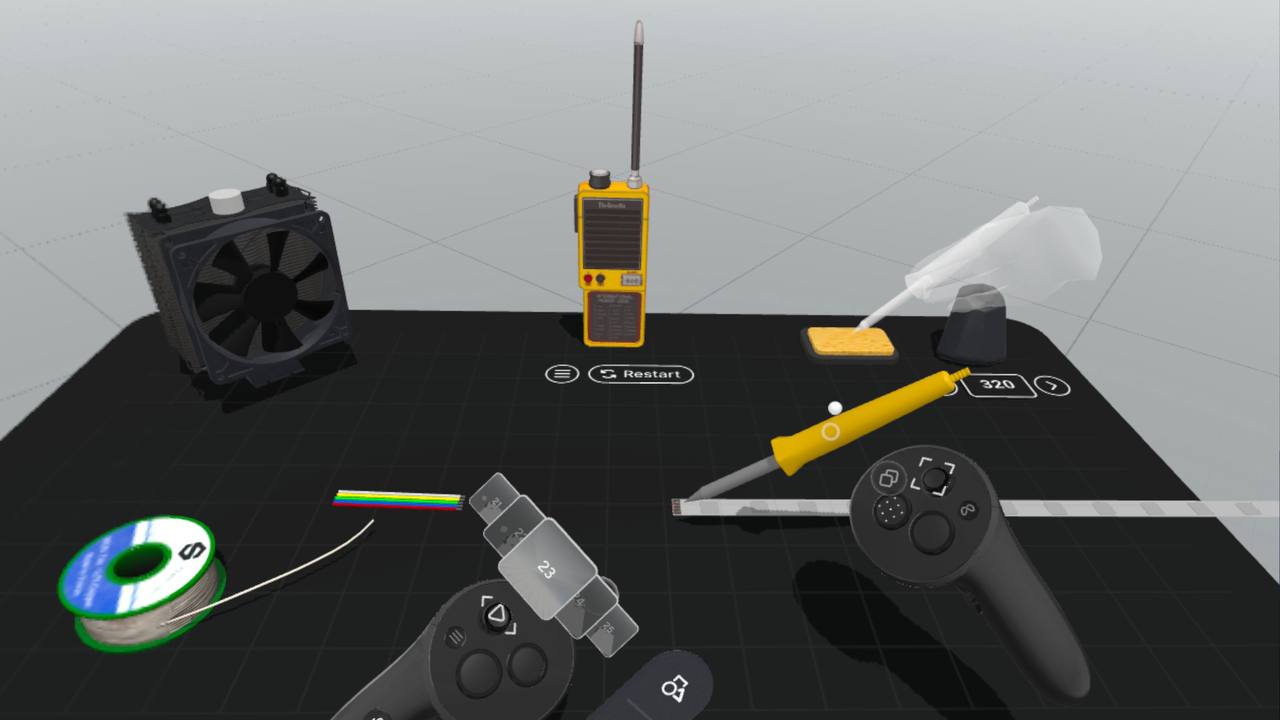
Place your tools on the table
Learn safety basics
Heat the soldering tip
Clean the tip
Apply solder
Connect leads
Verify the LED strip lights up
The experience needed to feel practical, tactile, and believable. I designed a balance between realism and approachability:
• no gore, no danger
• but clear feedback on heat, mistakes, and positioning
I also created UI logic, scene layout, spatial cues, all interaction points, and oversaw every micro-interaction — from smoke effects to temperature indicators.
Prototype Development
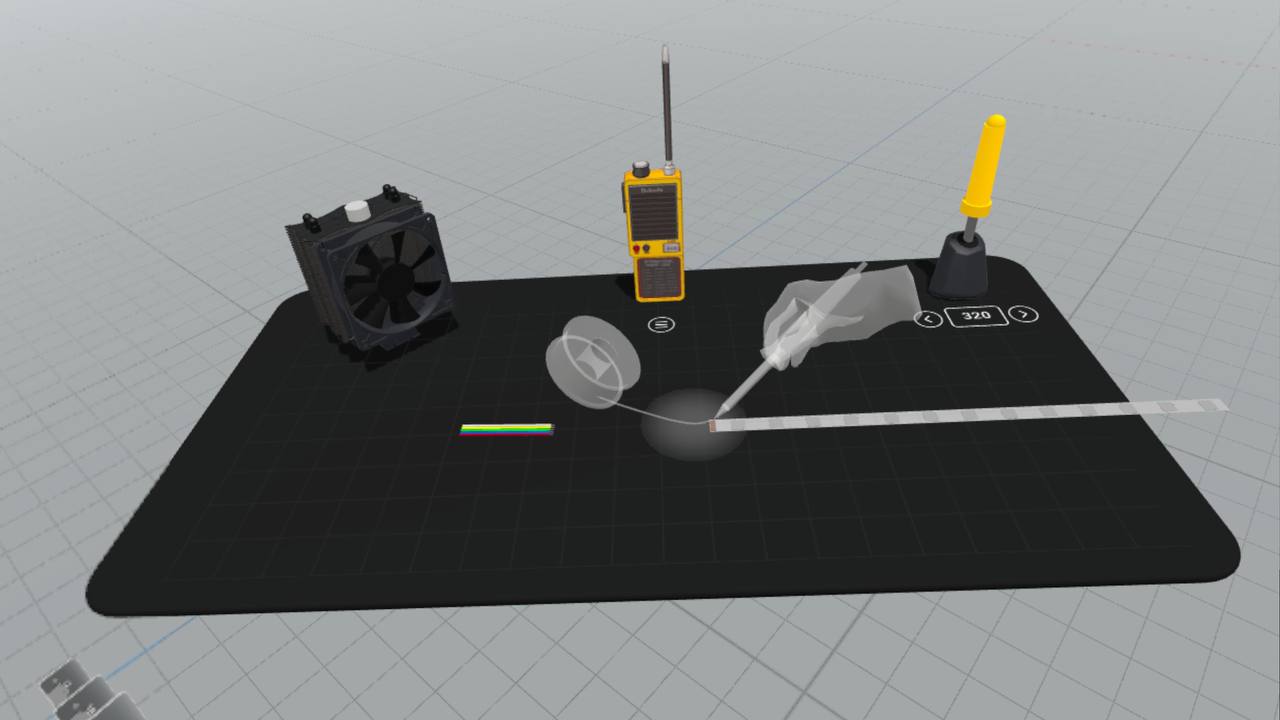
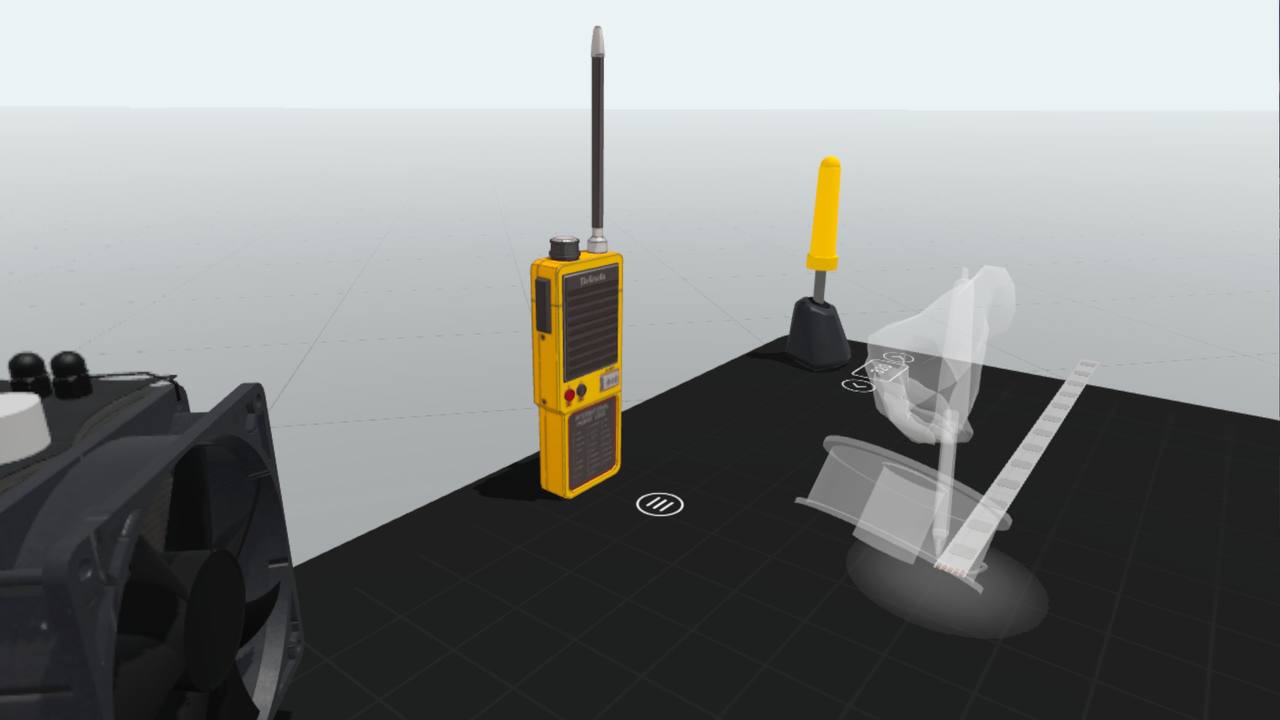
As team lead, I assigned tasks to developers, helped resolve logic issues, and ensured the prototype met the deadline. I created an animated MR prototype in ShapesXR before development began, enabling the team to understand the vision and work clearly.
Our team built SolderSense in 36 hours with:
Unity
ShapesXR
Blender
Figma
CapCut
Meta’s MR APIs
Logitech MX Ink SDK
Core features of the prototype included:
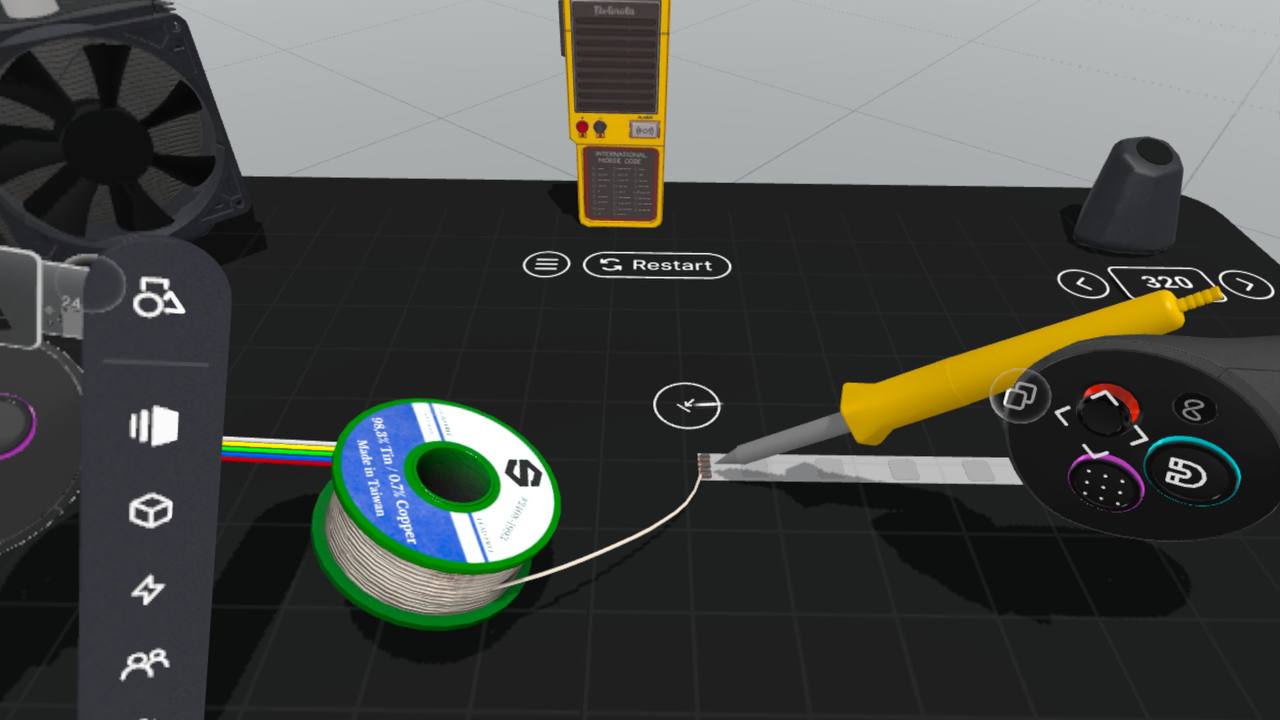
MX Ink Stylus as a realistic soldering iron
Pressure-based contact detection
Tilt-based angle control
Haptic feedback simulating heat and resistance
Smoke particles appearing during overheating
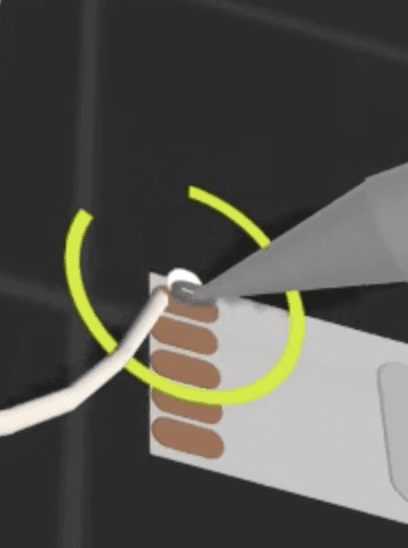
Glowing metal when heat is applied
Safe-zone highlights to guide correct soldering
Mentor voice instructions (recorded and edited by me)
LED strip that lights up when soldering is done correctly
I personally handled:
Voiceover
Story narration
Scene design
Search and selection of 3D assets
Integration logic blueprint
Step-by-step educational script
Video trailer recording and editing
Testing & Iteration
We tested continuously, adjusting:
Stylus angle recognition
Heat simulation
Smoke timing
Collision accuracy
Snapping tolerances
LED activation logic
Safety feedback clarity
We also added corrective animations for mistakes:
Overheating
Misalignment
Tip contamination
Incorrect solder drop
When we tested with participants, the system felt intuitive and even exciting.
People could “feel” the task, even though it was virtual.
Showcase & Results
Judges praised it as one of the most innovative uses of stylus input in XR.
“This feels like a real soldering iron.”
They loved:
Repurposing of MX Ink Stylus for technical training
Realistic haptic and tilt-based behavior
The playful but accurate simulation of real soldering skills
The educational value for beginners and students
The clarity and flow of the guided experience
Participants lined up to try the demo, and the feedback was exceptionally positive — many said it was the first time they understood soldering without fear.
Future Vision
SolderSense has the potential to become a full XR training platform for technical professions:
• soldering
• electronics assembly
• circuit repair
• safety training
• engineering education
Future expansions could include:
• full training curriculum with difficulty levels
• soldering error diagnostics
• temperature curves and realistic timing
• dangerous mistake simulation (without real danger)
• progress tracking and certification
• more complex circuits and boards
• integration for vocational schools and engineering programs
SolderSense won 2nd place in the Meta Education Track, becoming one of the most technically impressive prototypes of the event.
Other projects
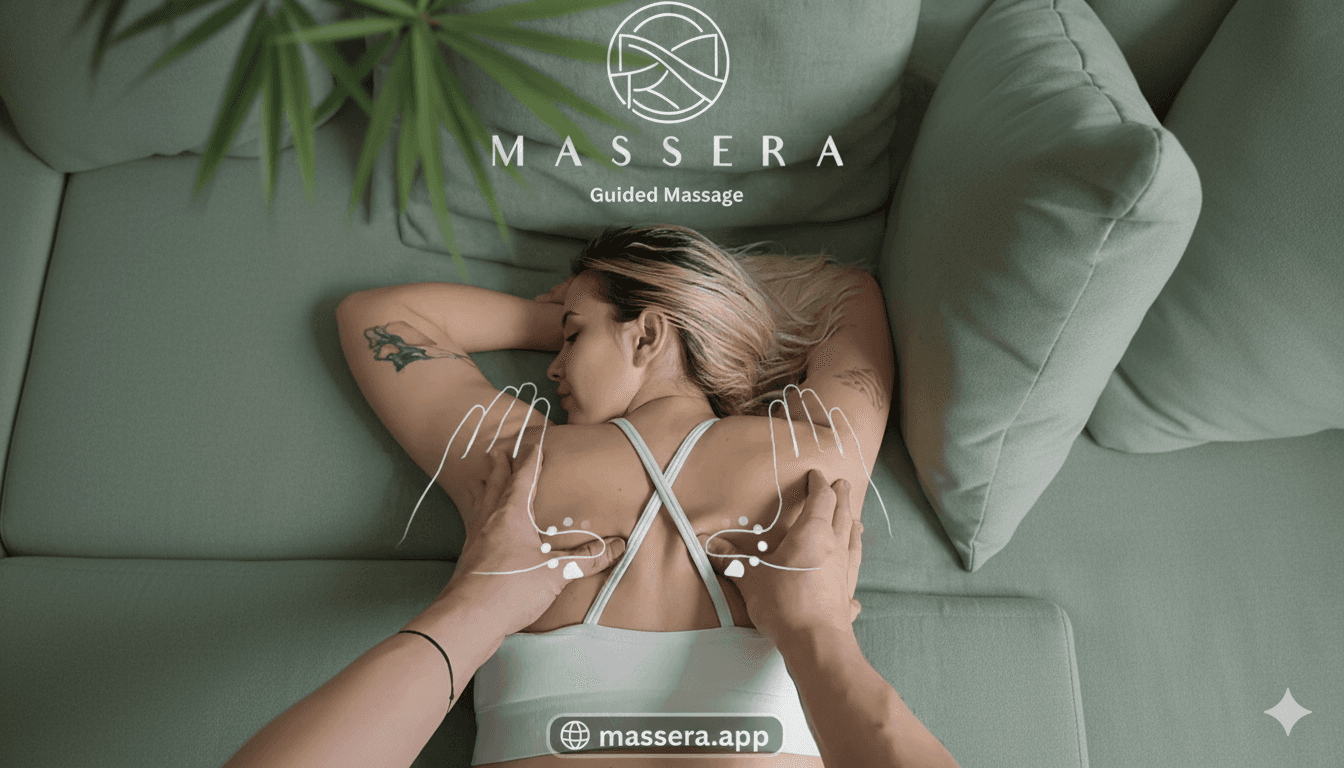
Massera - Guided Massage
Massera is a Mixed Reality (MR) app for Meta Quest 3 / 3S that teaches massage through guided touch and spatial mapping, inspired by professional techniques.
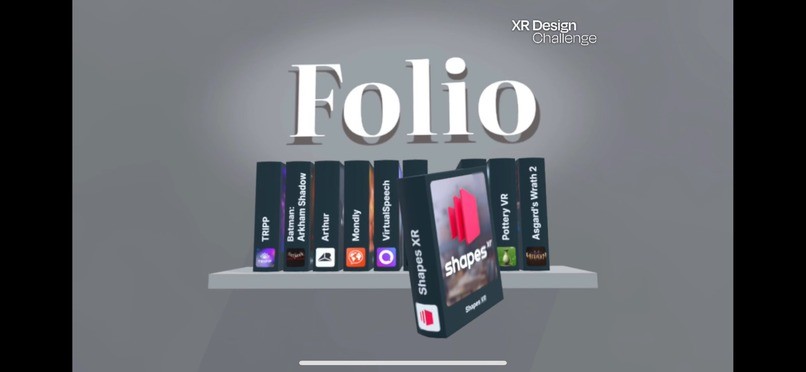
Folio
FOLIO is a spatial reimagination of the App Library — an interactive 3D bookshelf where each application becomes a dynamic, animated book you can pick up, rotate, browse, and open naturally. Designed for the XR Design Competition 2024, FOLIO explores how spatial computing can finally move beyond flat 2D grids and create a more human, intuitive relationship between users and their applications.
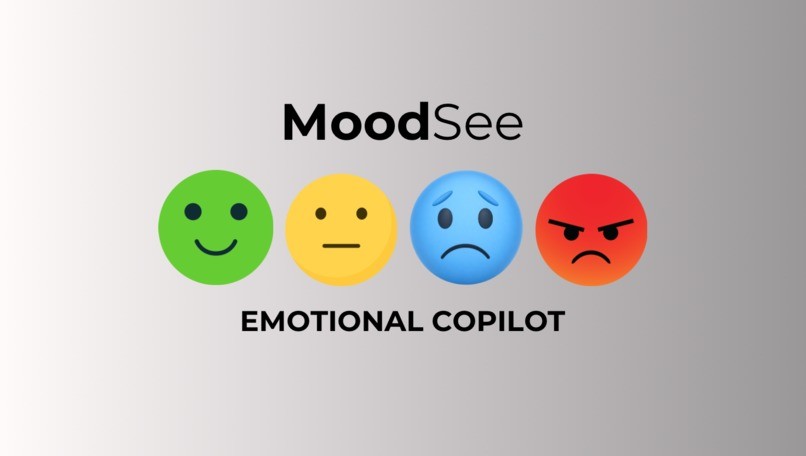
MoodSee
MoodSee is a real-time emotional awareness assistant for Meta Quest 3, using Access Camera, AI emotion recognition, and contextual cues to help users — especially neurodivergent kids — better understand facial expressions, emotional transitions, and maintain eye contact during live conversations.
Mix Drink Master
MixDrink Master is a Mixed Reality app for Meta Quest 3 / 3S that helps anyone craft professional cocktails on their first try.🥇 1st Place — Meta XR Hackathon Cologne 2024, Hobby & Skill Building Track

WriteRight
WriteRight is a Mixed Reality learning experience that teaches handwriting, motor skills, and calligraphy through guided tracing and stylus-based practice on a real table surface. Built with the Logitech MX Ink Stylus, it helps children learn to write in a playful, stress-free way — and supports rehabilitation and fine-motor skill training for all ages.🥇 1st Place — Experimental Education 🥈 2nd Place — Logitech MX Ink Stylus Use Case at XR Hack Stockholm 2024